The starting point
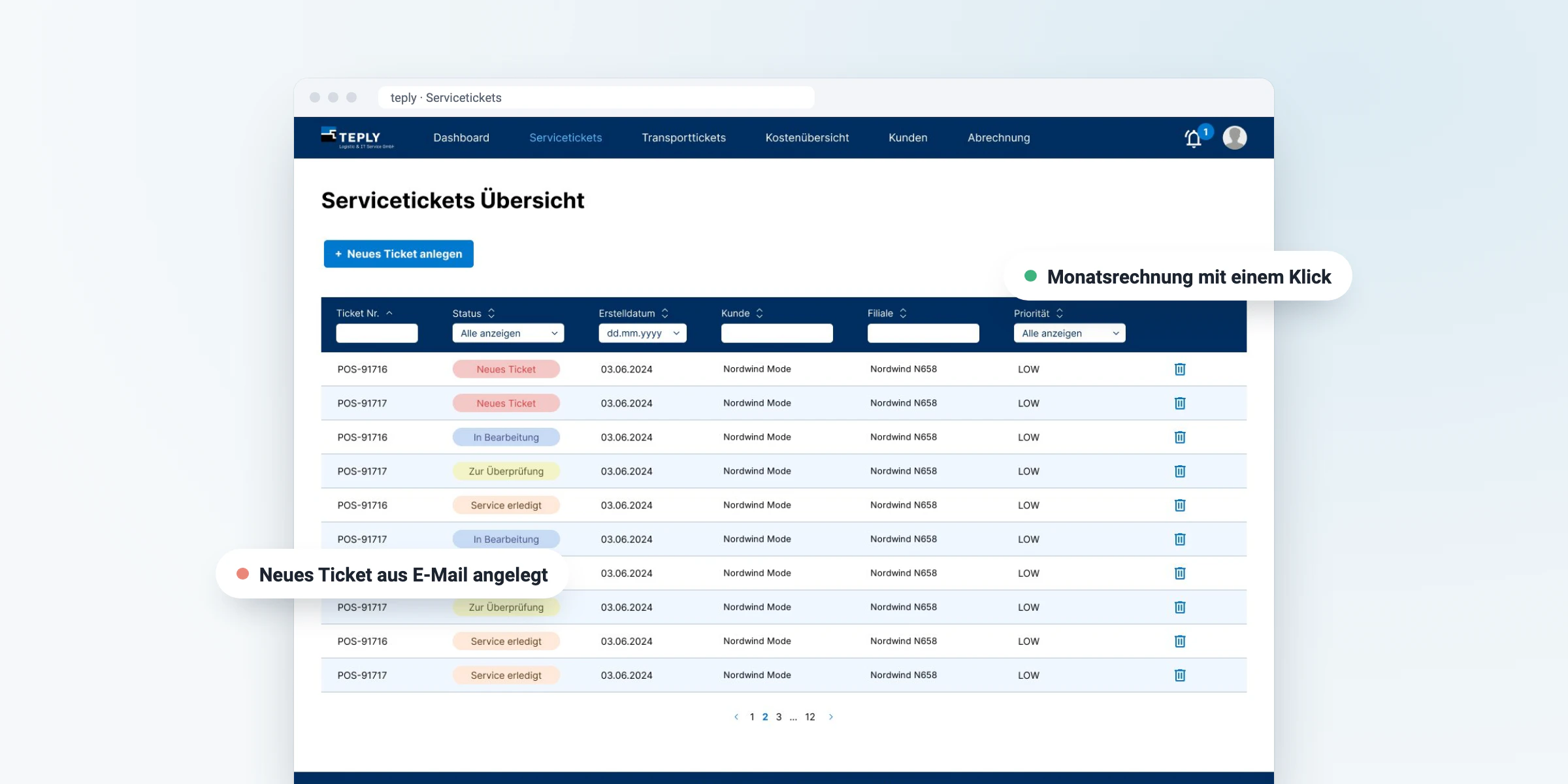
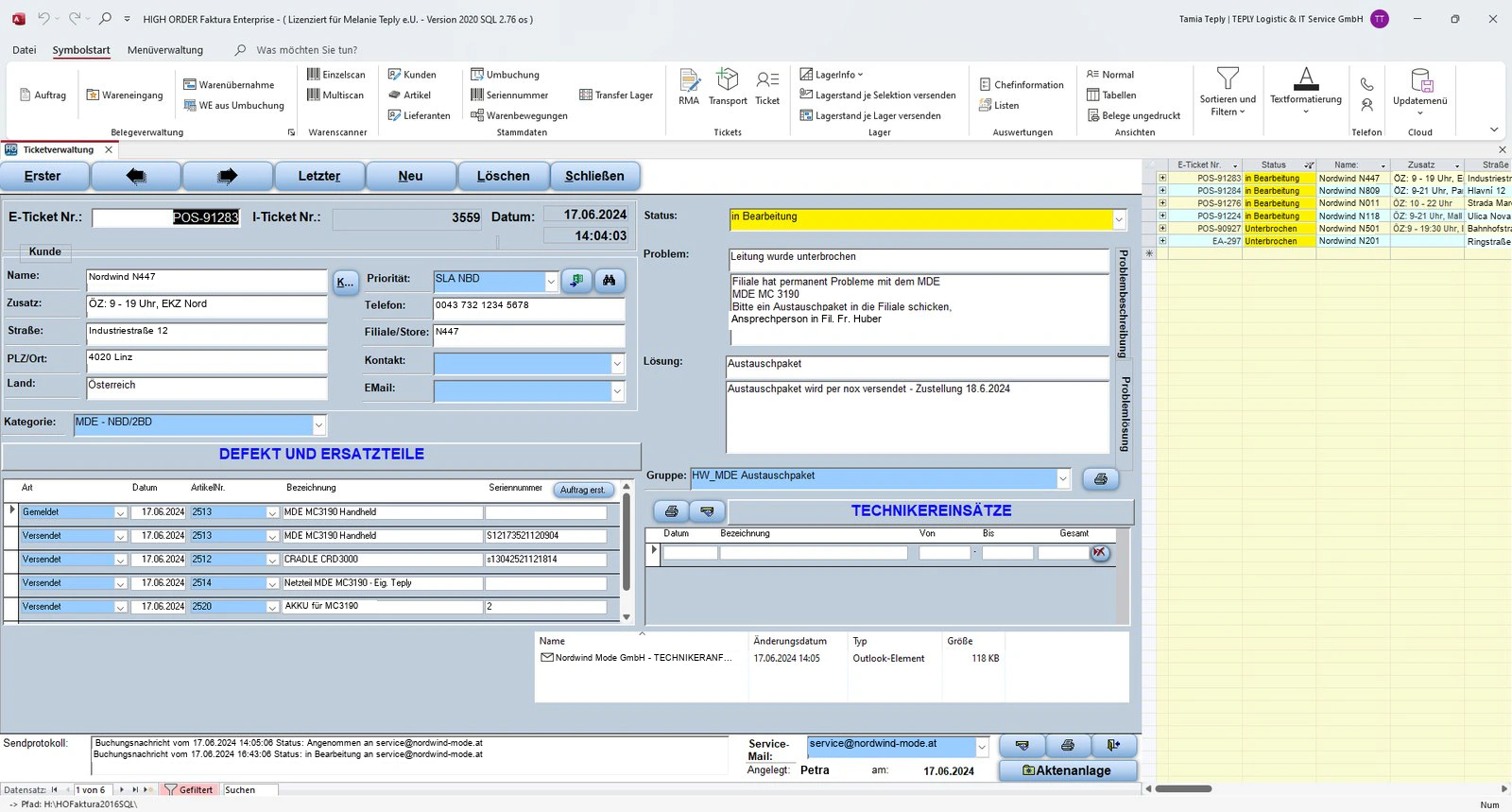
Teply handles installations, repairs and transports for retail and logistics companies. Tickets, call-outs and billing ran through a system that had grown over time on the basis of Excel data.
It reached its limits in scalability, usability and processes. Off-the-shelf software was not an option, the processes were too specific:
- Service and transport tickets with very different fields
- Separate SLAs, rates and locations for each customer
- Extra costs and materials that have to end up correctly on the invoice
- Invoices that are created automatically and still stay traceable
Our approach
We started with a business analysis. Before we wrote the first line of code, the entire process from incoming ticket to invoice was mapped out and agreed with Teply.
Workshops
In July and November 2024, we went through service call-outs, transports and billing in detail with Teply.
User flow & sitemap
A flow chart shows every step of a ticket, the sitemap organises all areas of the application.
Low fidelity
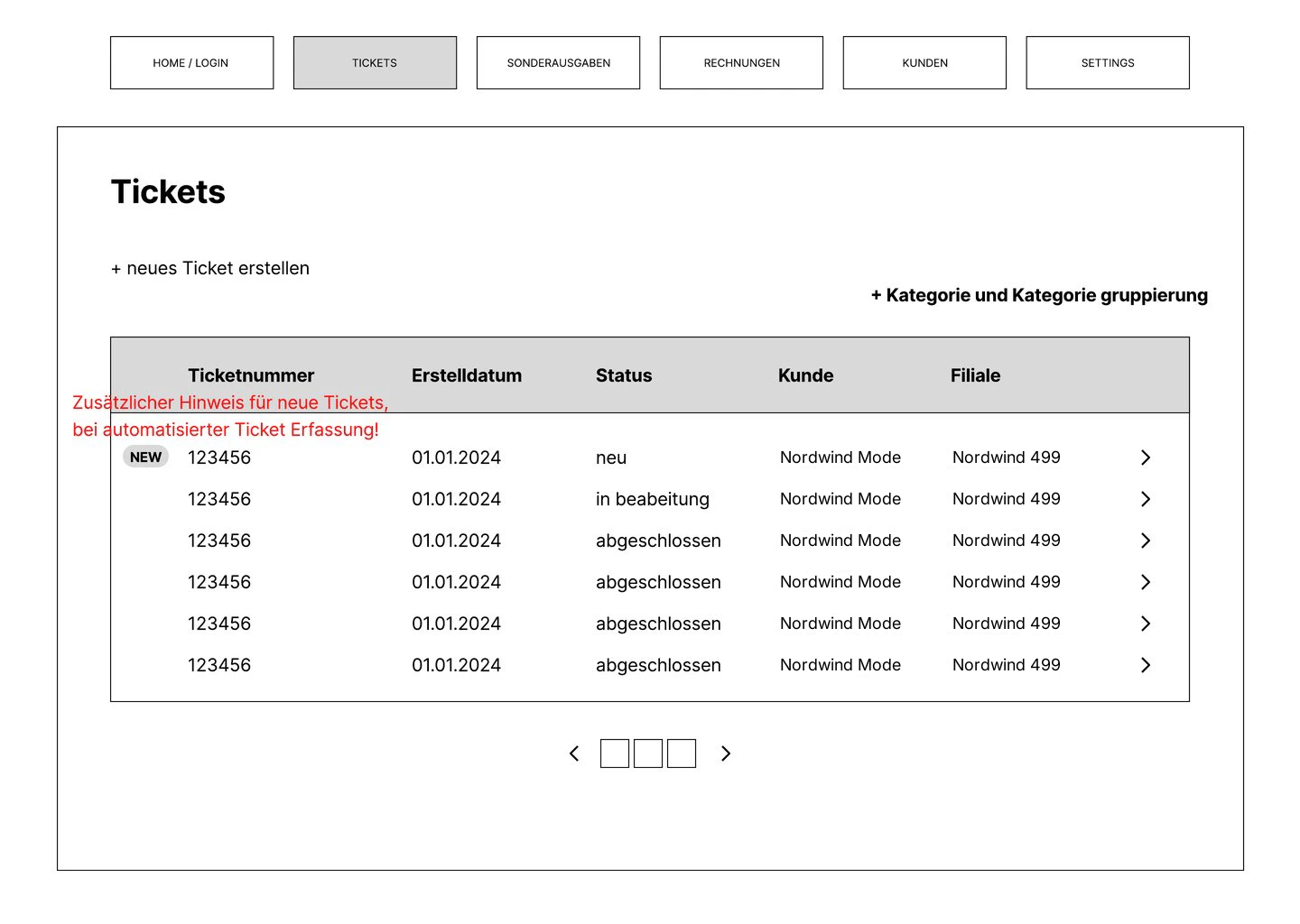
Simple wireframes make the extensive forms tangible, before anyone starts discussing colours.
High fidelity
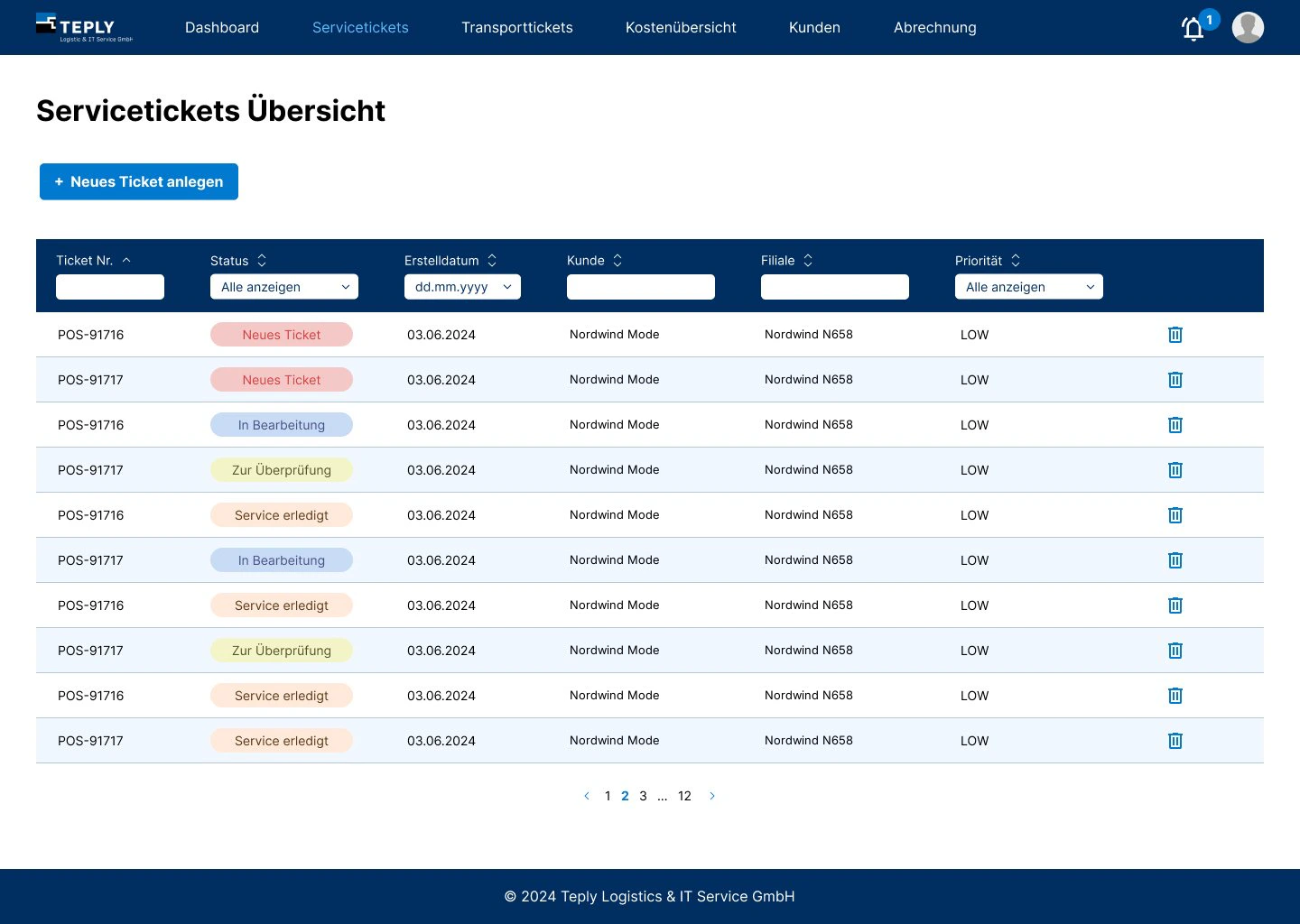
The finished design with real content was the basis for development and for tests with the team.
From incoming ticket to monthly invoice
This is the path of a service ticket. Green marks the steps that used to be done by hand and now run automatically.
Roles: admin, technician, back office. Each role only sees what it needs.
From wireframe to finished design
Drag the slider: on the left the low fidelity prototype we used to agree on structure and fields, on the right the final design of the ticket overview.
One system instead of Excel and an email inbox
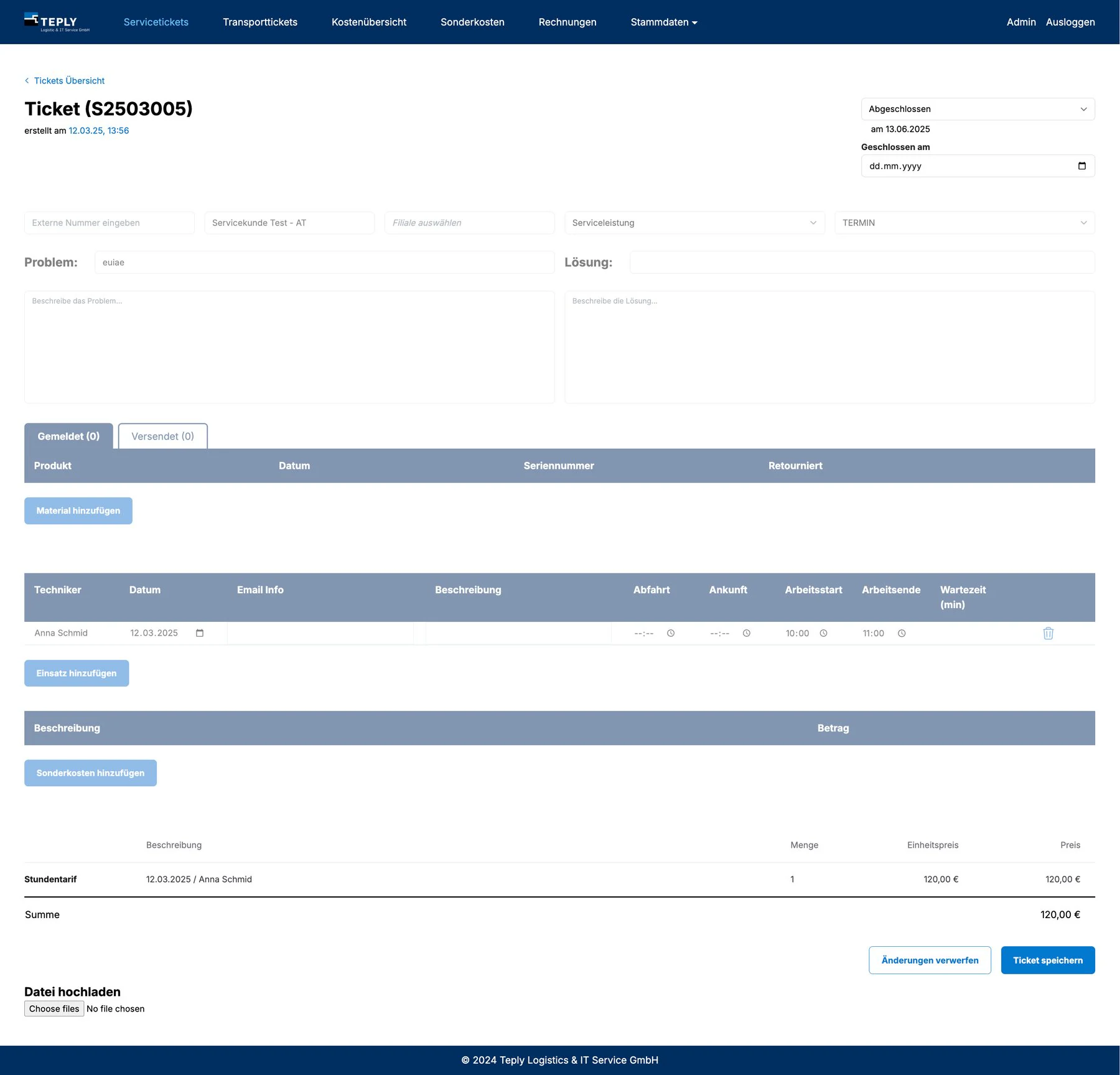
Since spring 2025, all of Teply's service and transport tickets run through a web application. Every ticket knows its customer, branch, technician and status. Anyone in the office can see right away what is open and what can already be billed.
Service and transport
Two ticket types with their own fields: problem and solution for service, pick-up and delivery for transport.
Tickets from emails
Incoming requests automatically become tickets. Every status change sends out a notification.
Call-outs and times
Departure, arrival and working time per technician. The hourly rate is calculated automatically.
Materials and extra costs
Spare parts, travel expenses and packaging units are recorded on the ticket and go into the invoice.
Invoices
Per ticket or as monthly billing, including support flat rates. Export as PDF or CSV.
Master data and roles
Customers by country and rate profile, SLAs and categories. Admin, technician and back office with their own permissions.
Monthly invoice in a few clicks
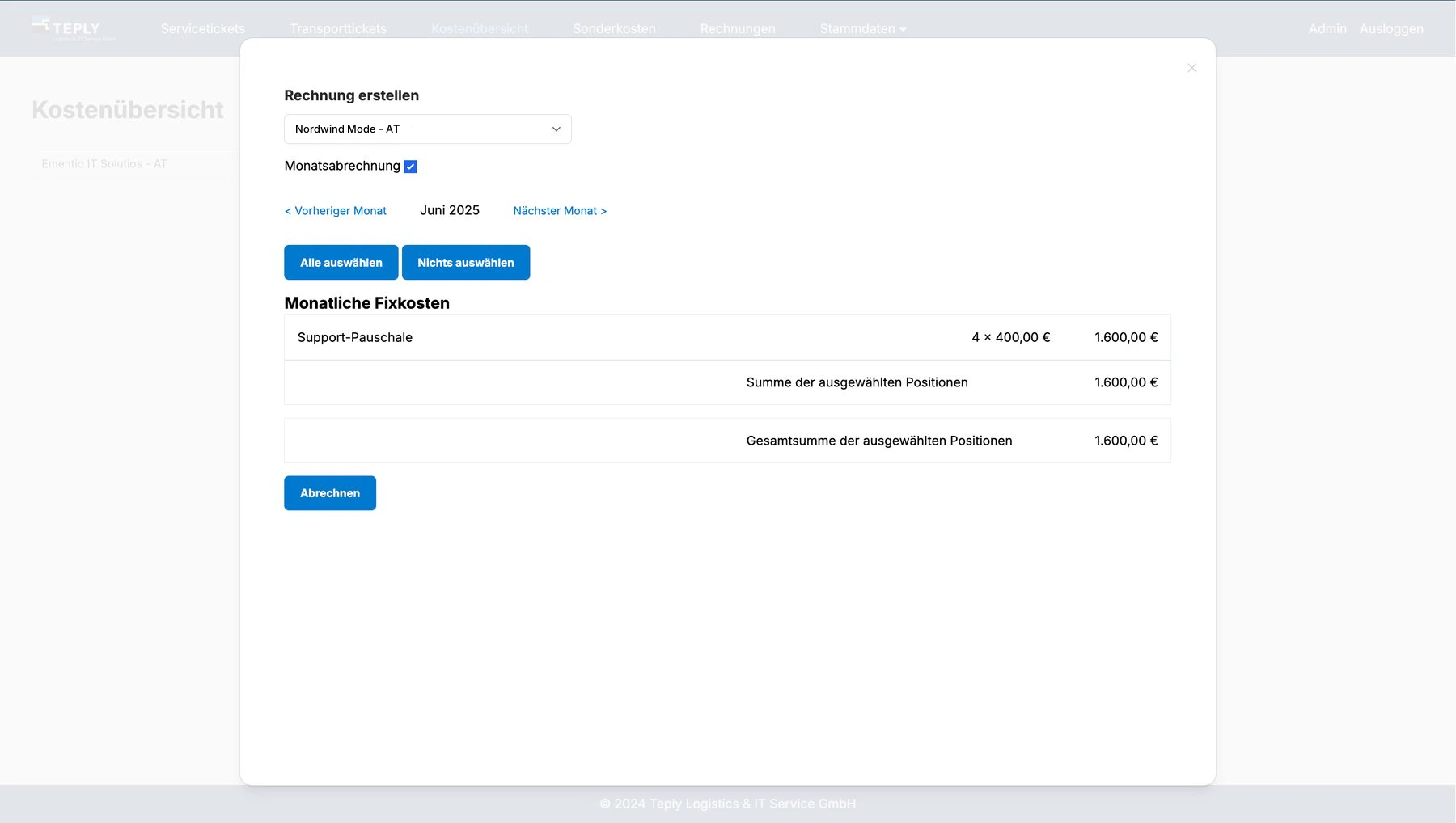
Choose customer and month, check the items, bill. Tickets, extra costs and monthly fixed costs end up together on one invoice. Before, this was put together by hand.
What has changed for Teply
Every call-out is documented with its history, from the first email to the invoice.
Billing is created automatically from the recorded tickets and costs.
Open tickets and billable work are visible at a glance.
Every ticket is clearly assigned to technicians, with a complete history.
You might also be interested in
HF Elektrik
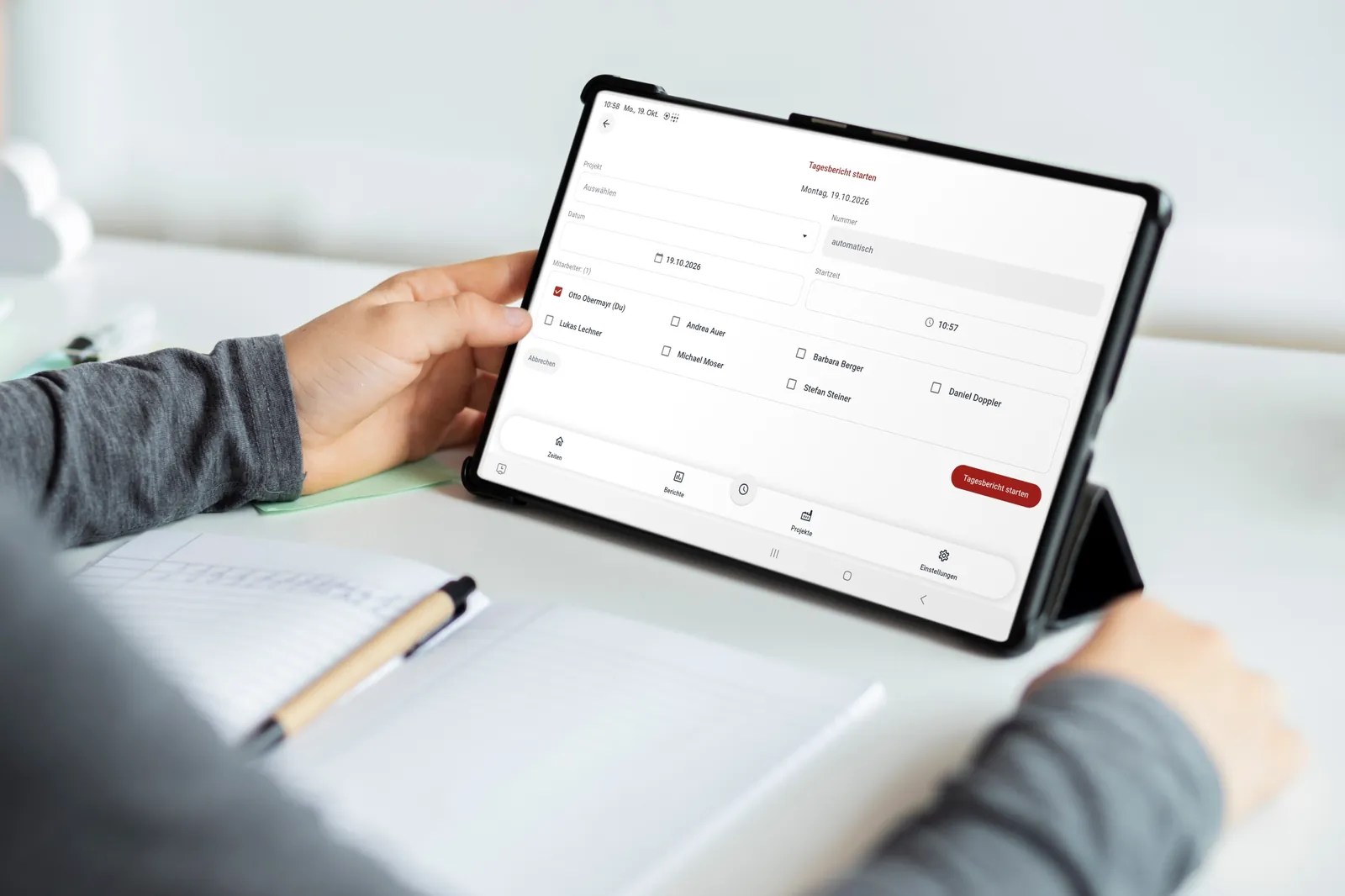
Work reports on paper, times recorded twice, invoices copied by hand for days. Today the field technicians fill in their daily report on the tablet, even offline, and the times flow into time tracking automatically, including surcharges.
View project →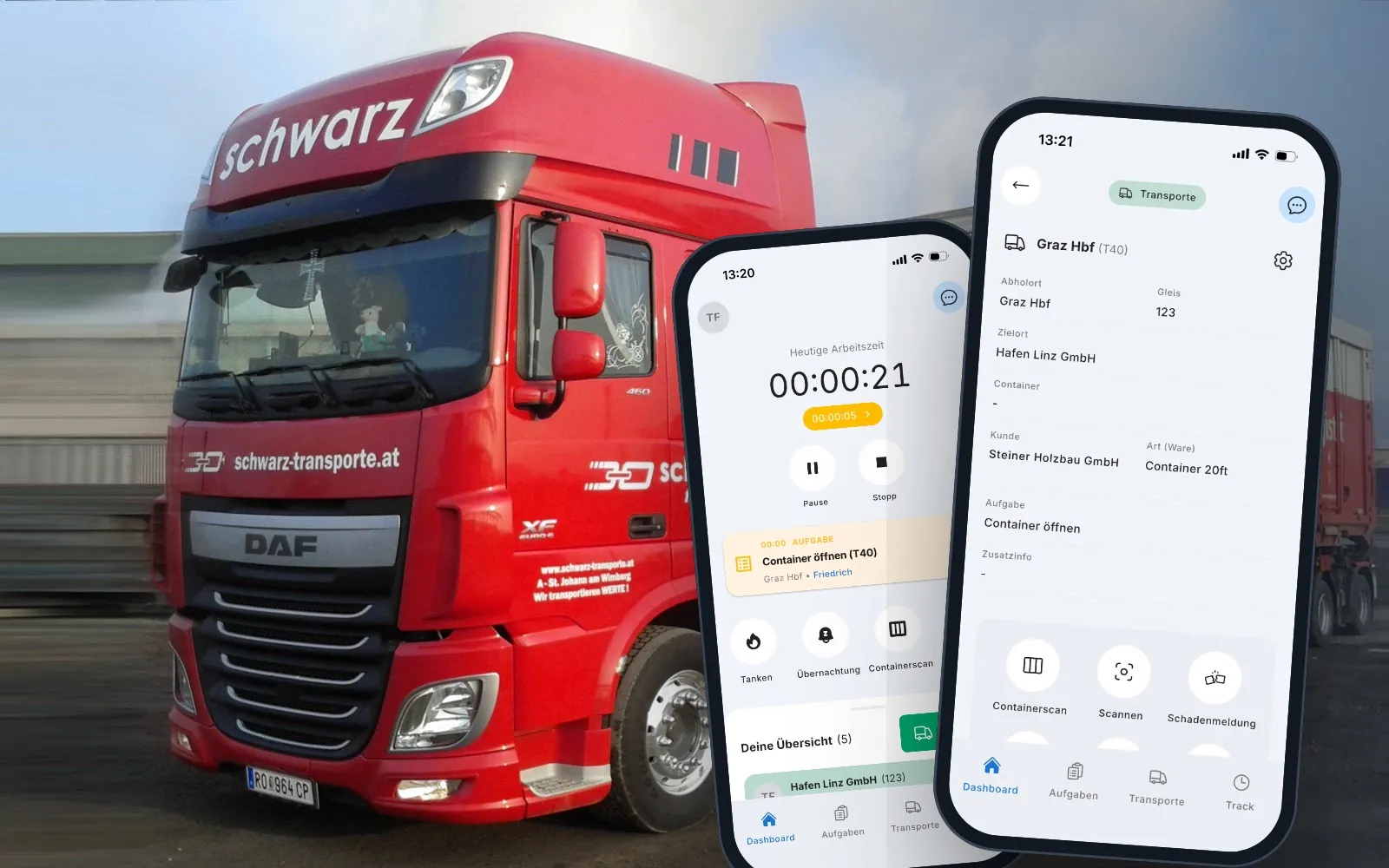
CargoCommander
Orders through various channels, paper and Excel, credit notes matched by hand. CargoCommander connects the ÖBB Rail Cargo Group, dispatch and drivers on one platform.
View project →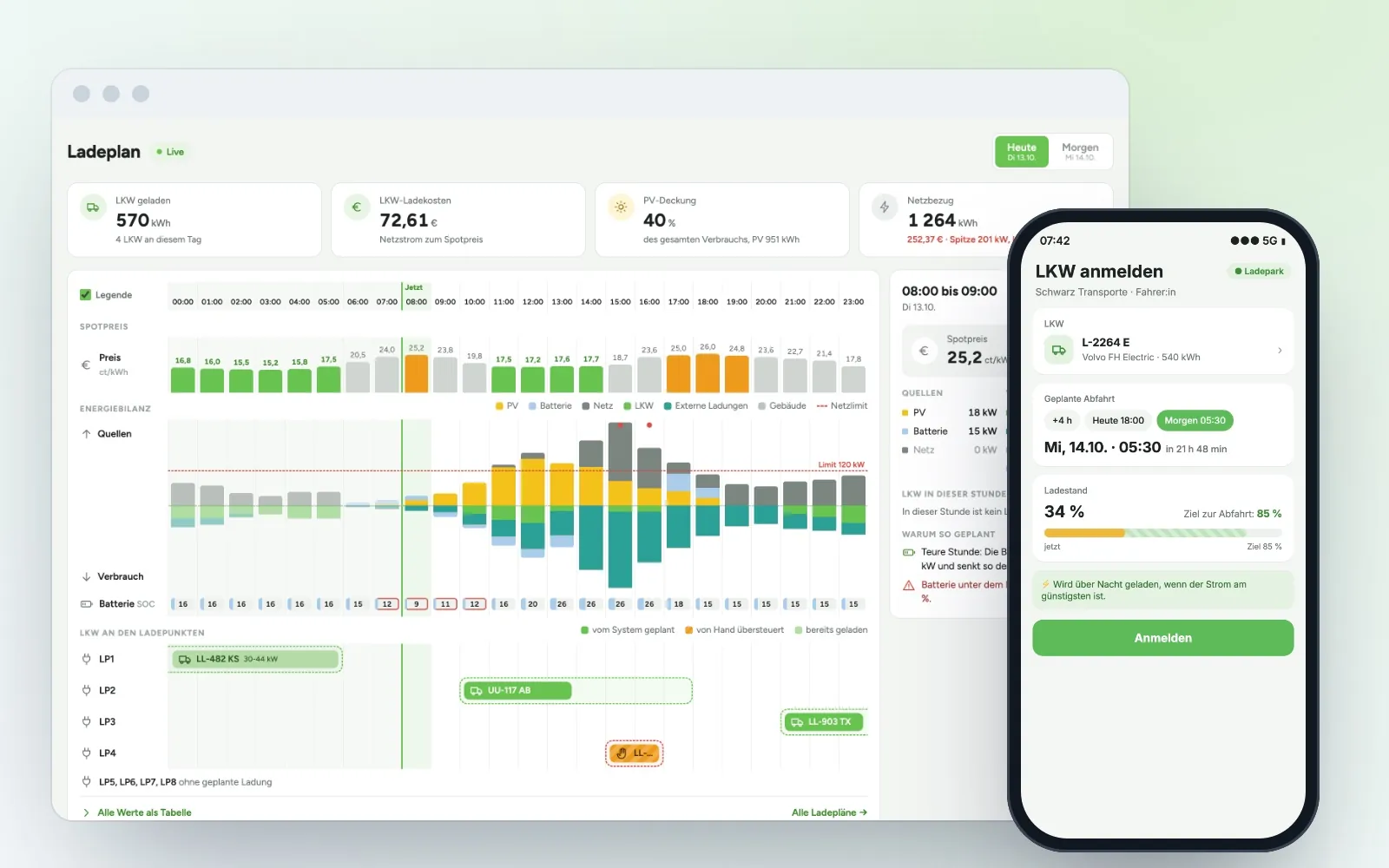
Energy management
Eight charging points, battery storage, PV and spot prices: the system calculates the cheapest charging plan every hour and passes it straight to the building automation.
View project →Any questions?
We are happy to tell you more about the project and what parts of it could work for you too.